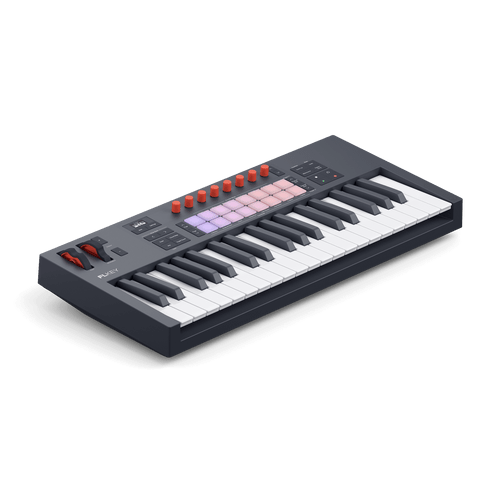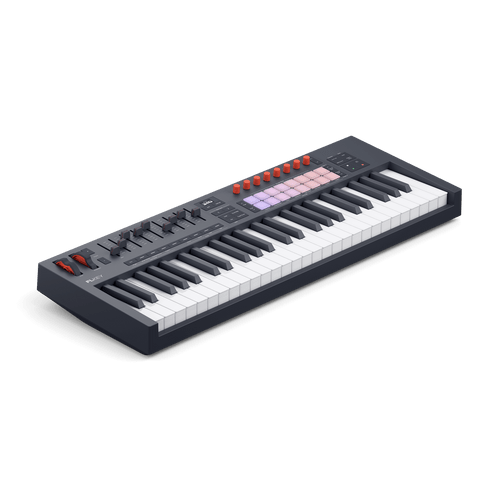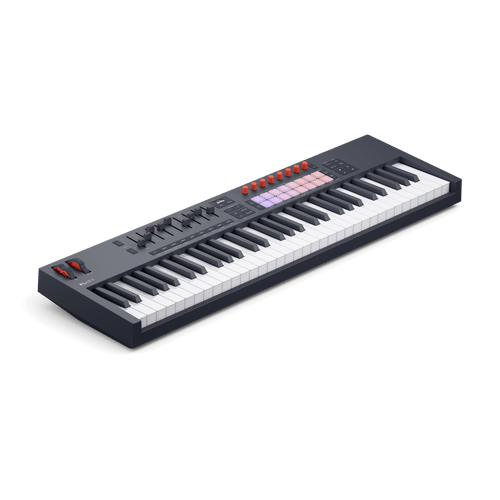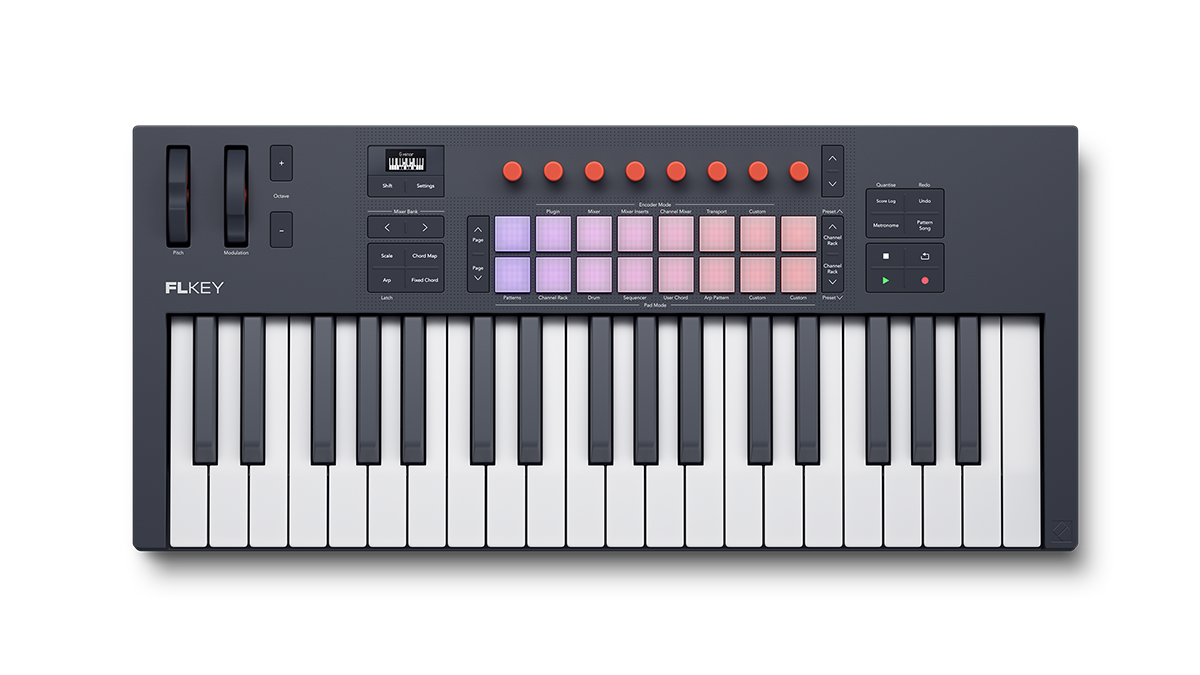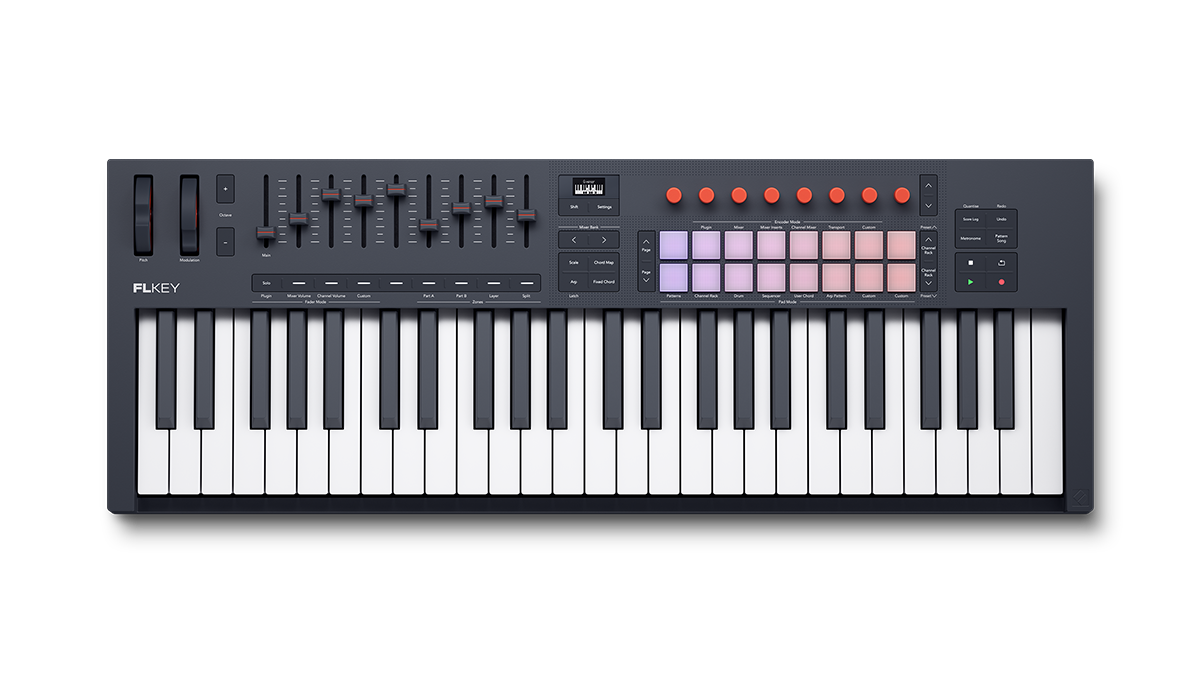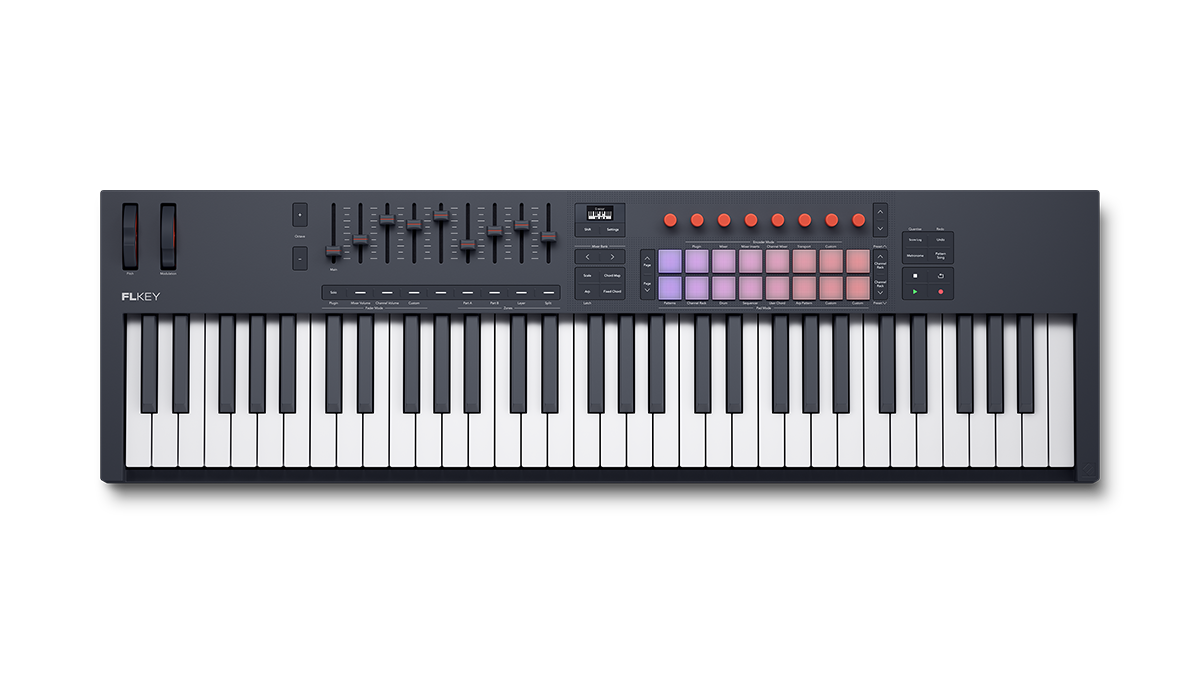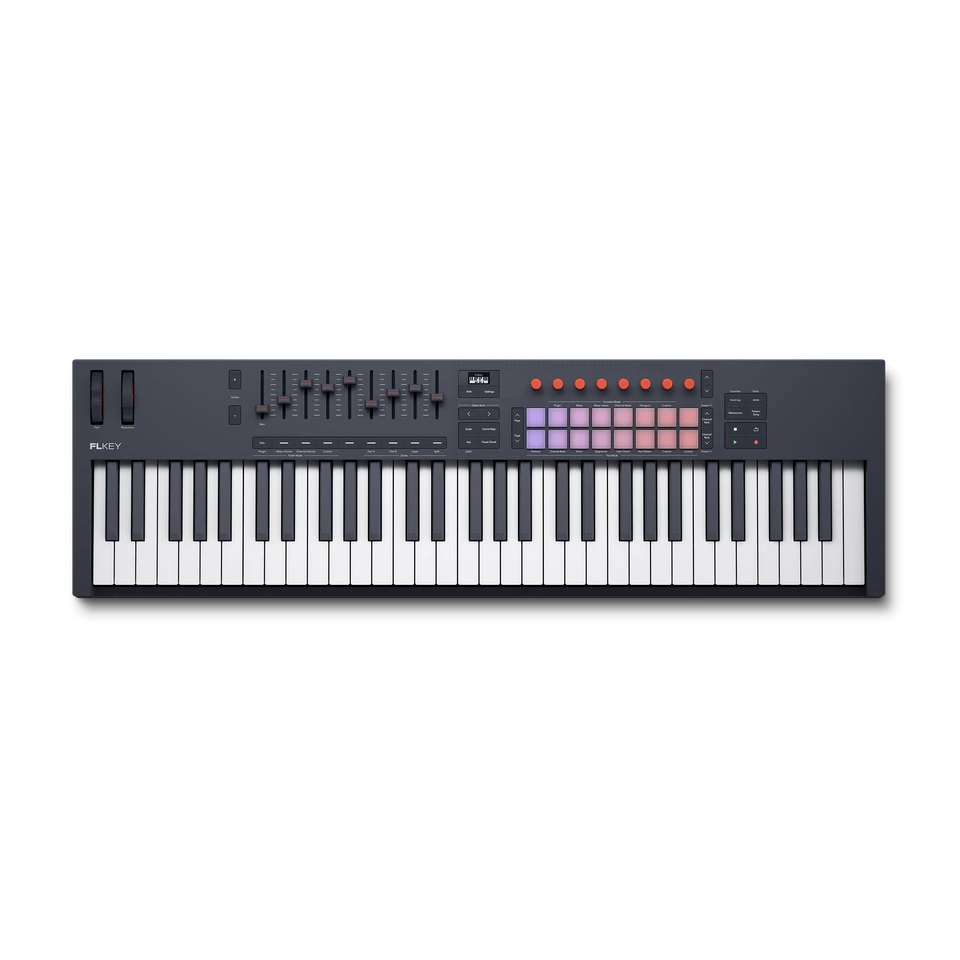
Pick your FLkey

Watch video

More feeling, more flow.

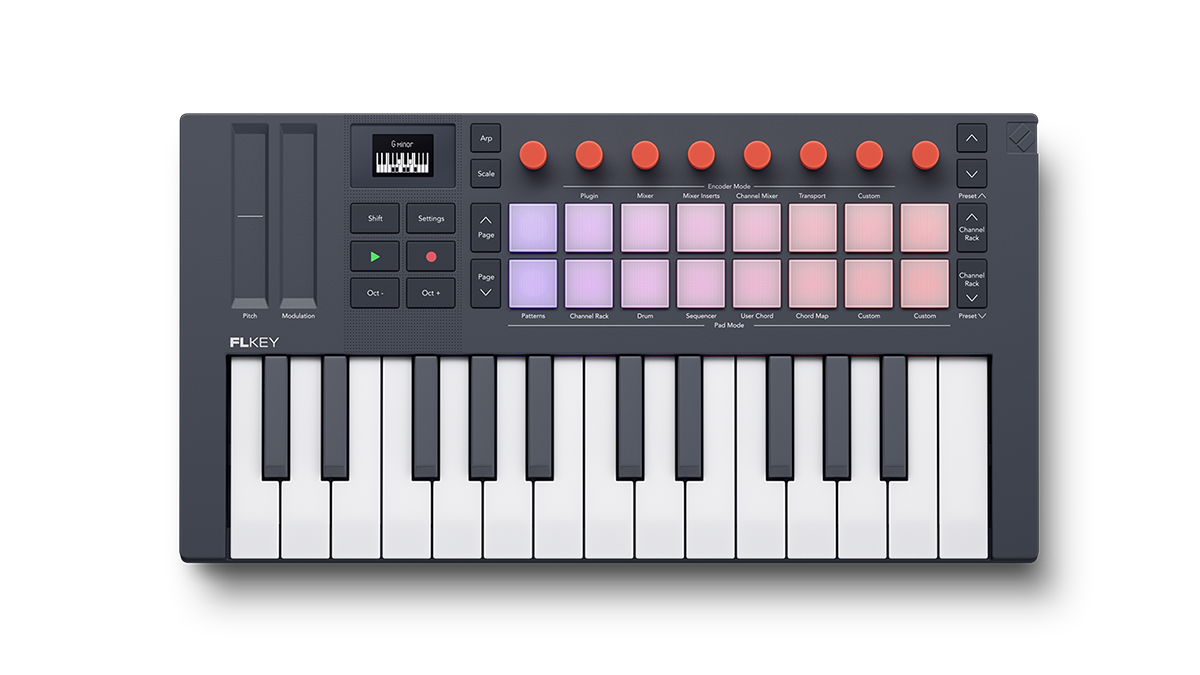
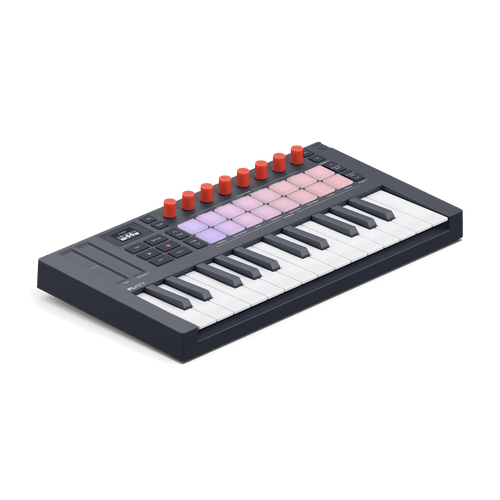
Sketch beats, make hooks, and finish tracks fast with the keyboard controller for FL Studio. Each FLkey features 16 responsive RGB pads, great-feeling keys, and an array of dedicated controls all hardwired to your favourite tools and plugins.

Made for FL Studio

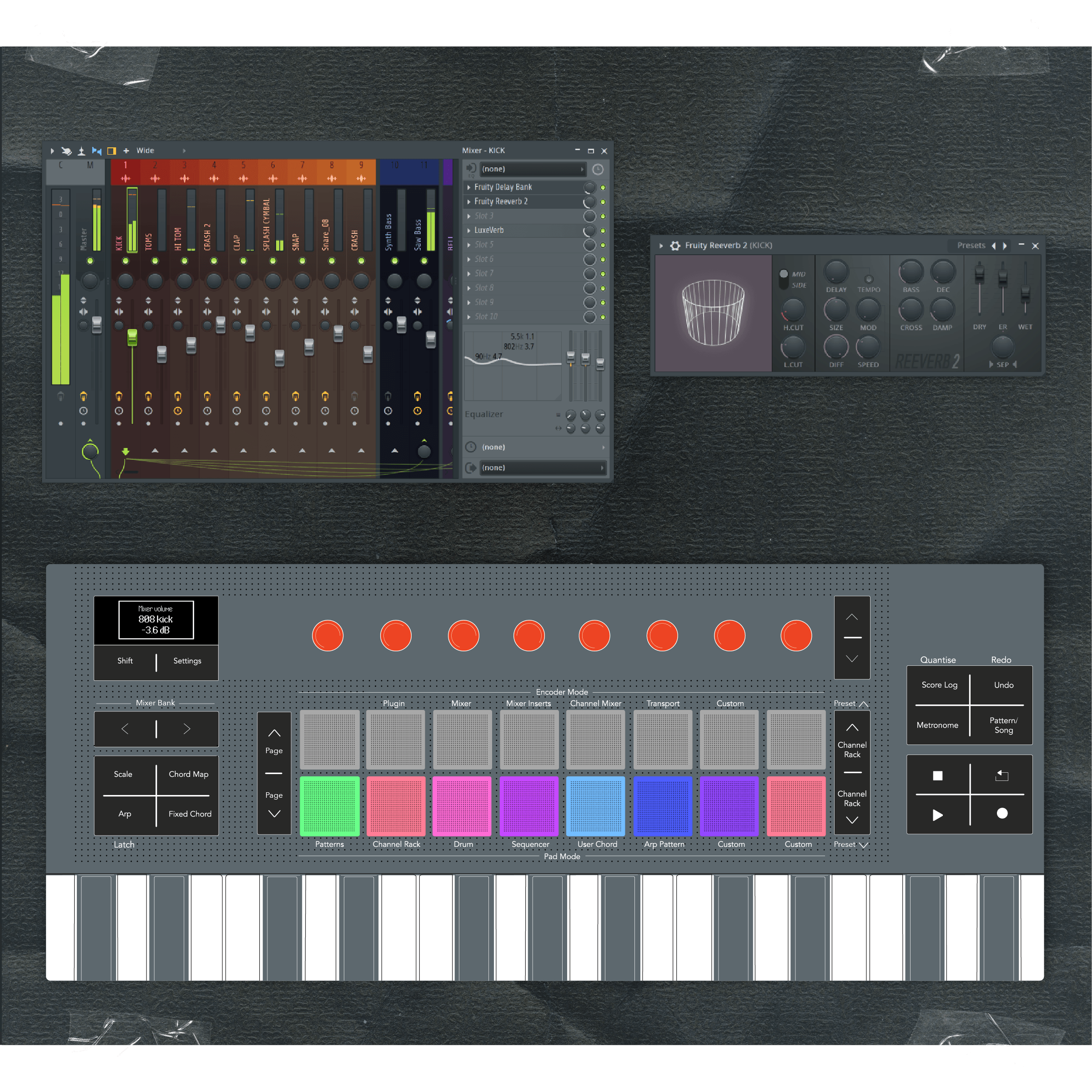
FL Studio at your fingertips

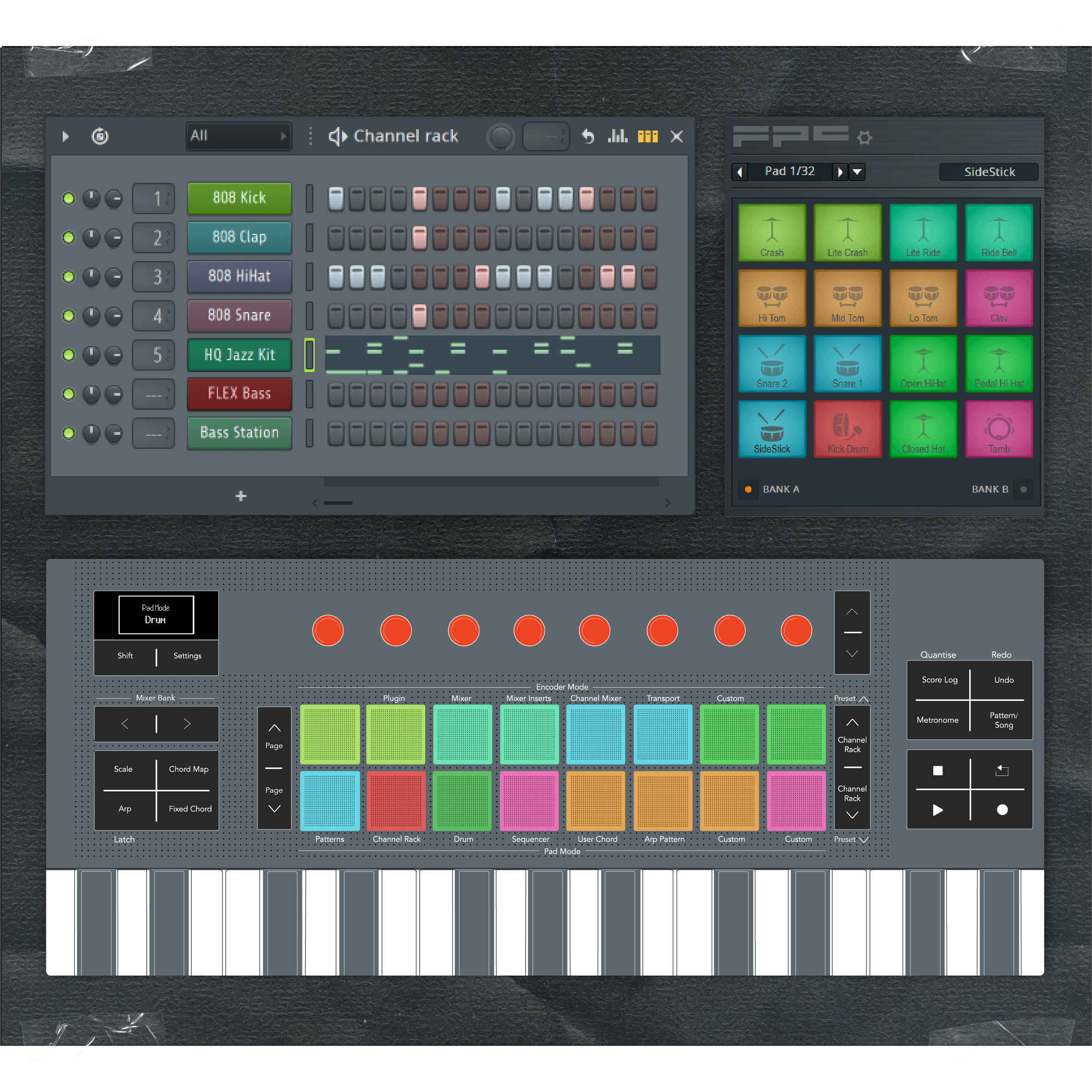
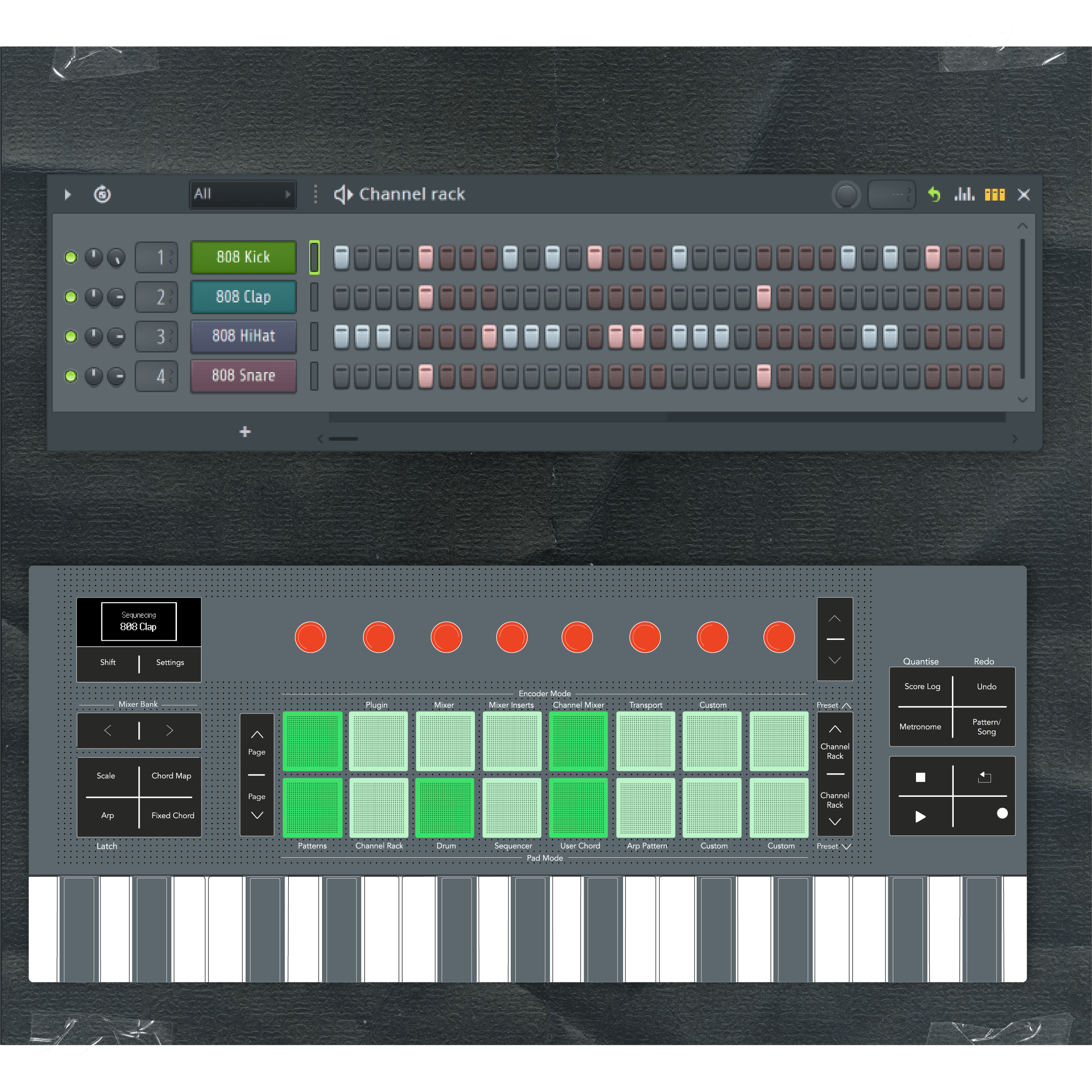
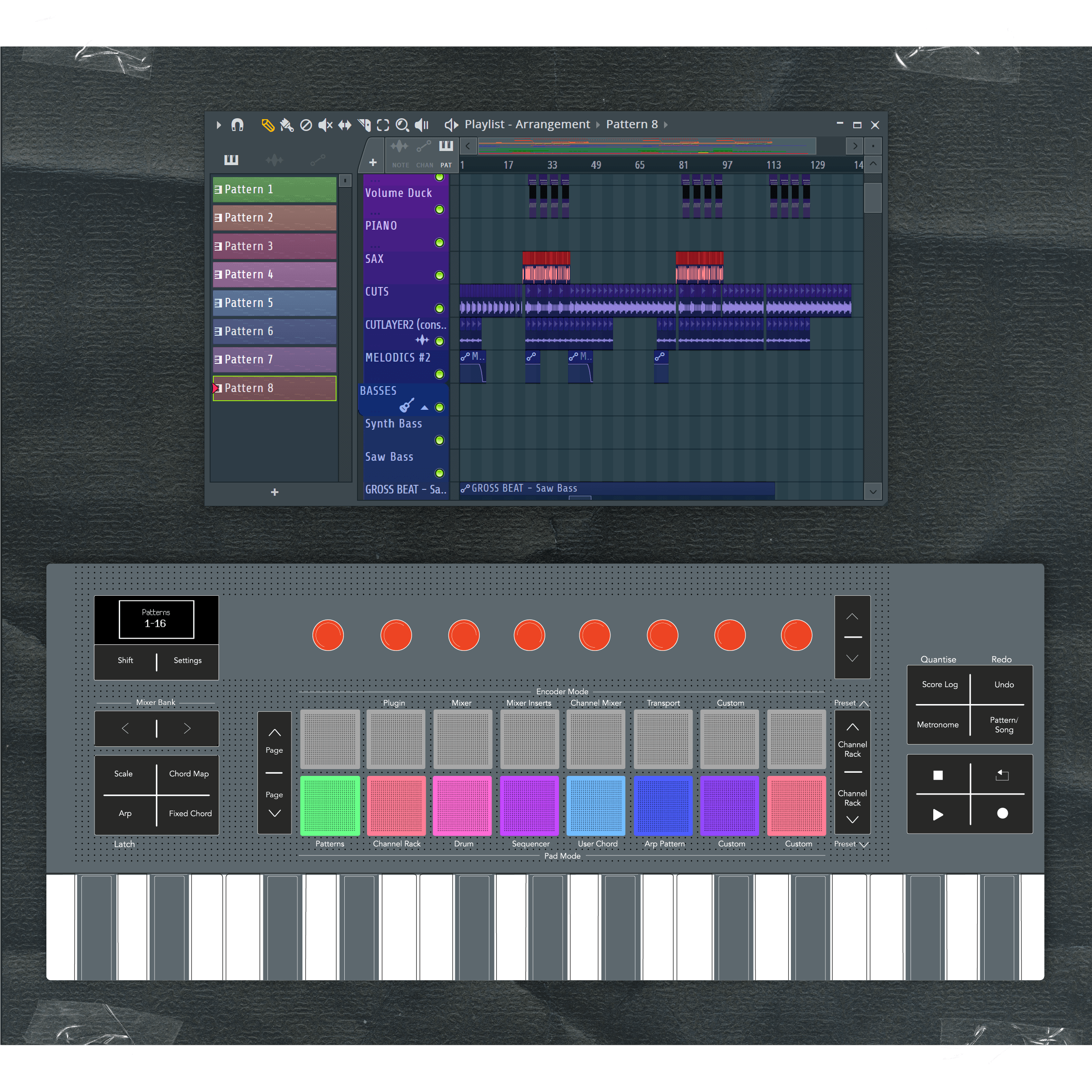
Officially supported by Image-Line, FLkey is packed with knobs, faders, and buttons that offer a direct connection to your FL Studio essentials: trigger samples in the Channel Rack, control the Mixer, tweak your favourite plugins, perform with custom pad layouts for your favourite instruments, and much more.

Built-in creative tools

No chord packs needed

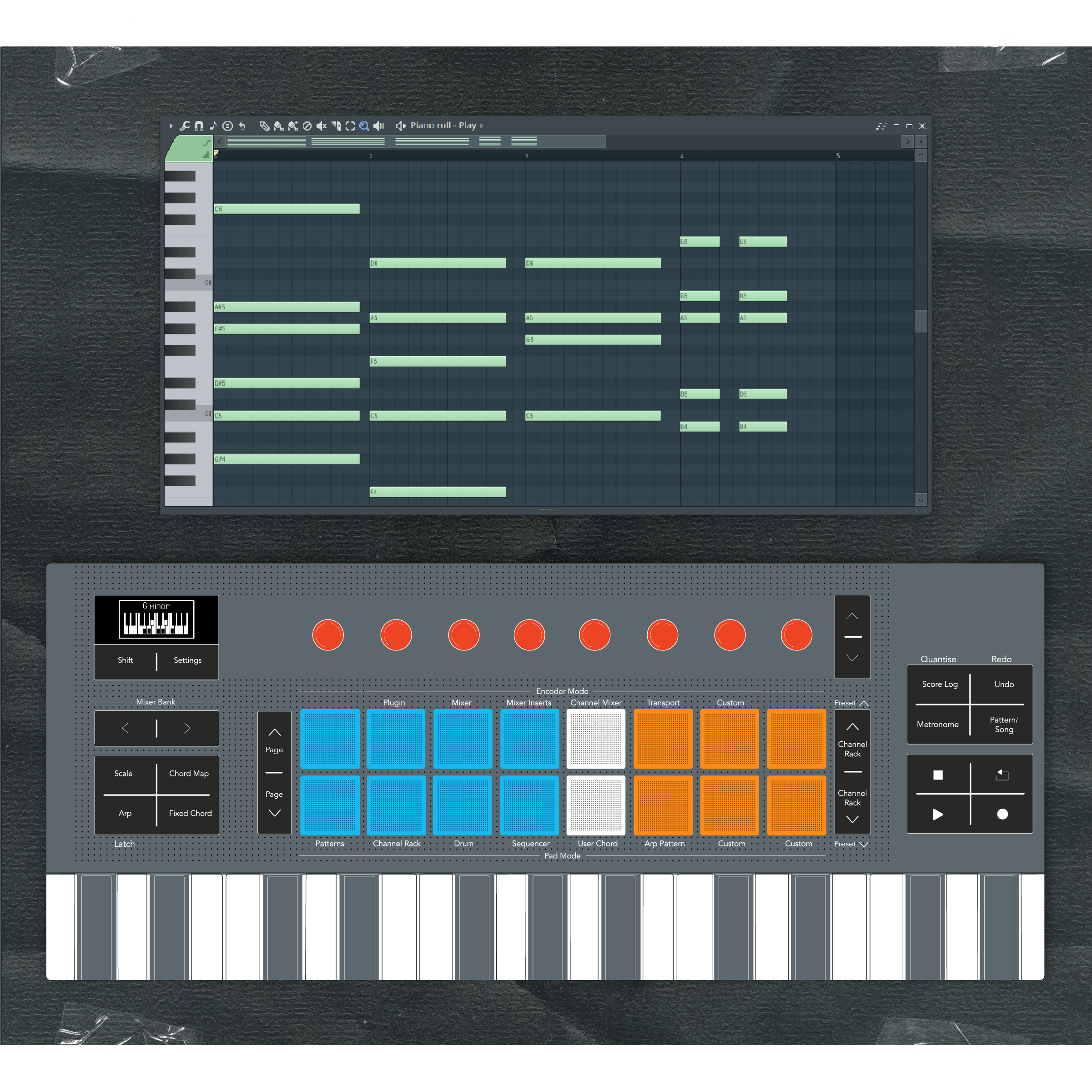
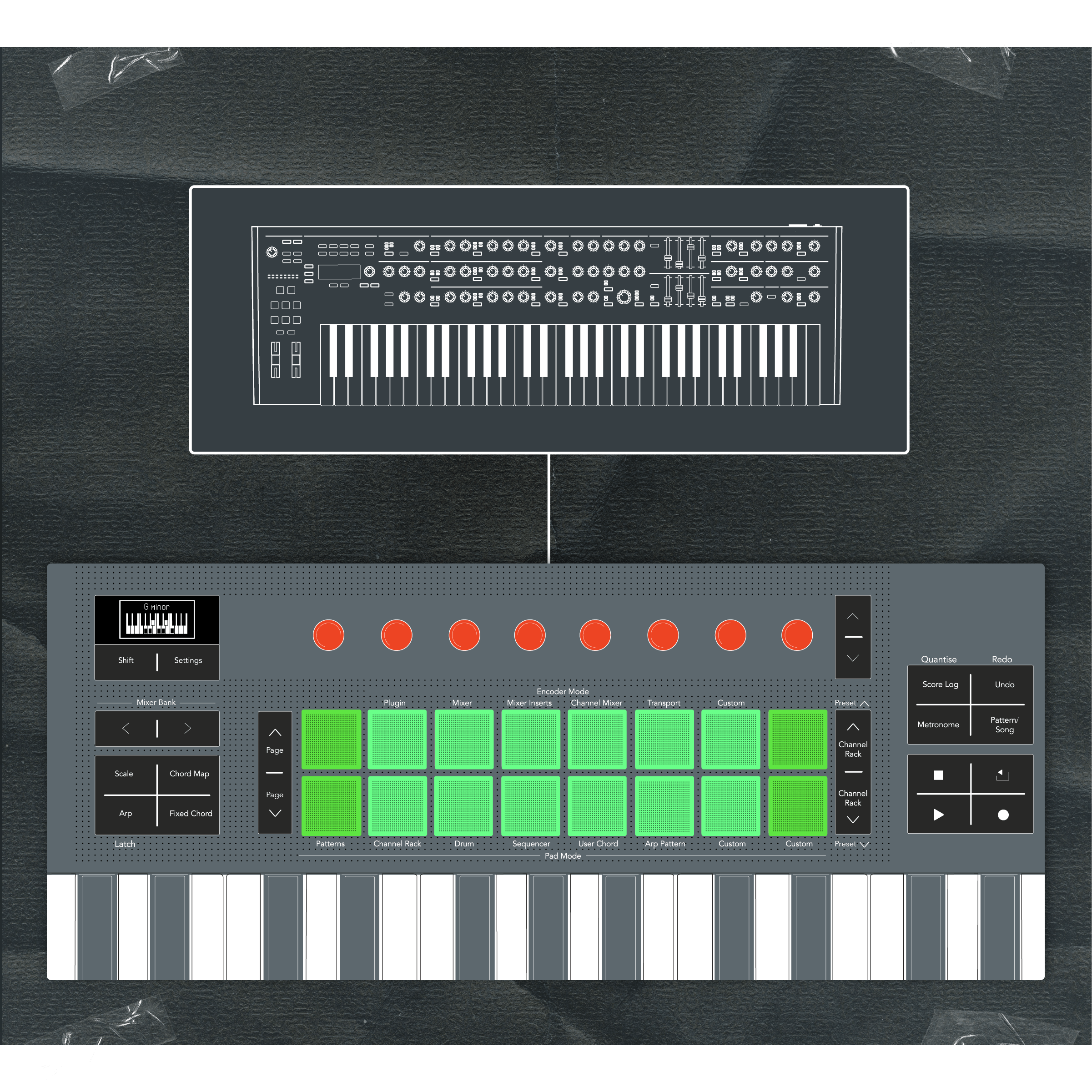
FLkey is packed with easy-to-use creative tools that keep the inspiration flowing from first bar to finished track. Stay in key with Scale mode, play progressions like a pro with three different Chord modes, or explore new melodic and rhythmic ideas with the powerful arpeggiator.

Included software

All you need to start making beats

All you need to start making beats

Get started right away with six months of FL Studio Producer Edition, including 100+ built-in instruments and effects. Need even more? You also get 20+ premium plugins from Novation, Native Instruments, Klevgrand, and other leading developers, plus finger drumming and keyboard lessons from Melodics.
Six months of FL Studio

Six months of FL Studio

FLkey comes with six months of FL Studio Producer Edition. Start creating right away with 27 built-in instruments, 59 different effects, and essential tools like audio recording and stem separation.
Melodics

Melodics

Fine-tune your finger drumming or brush up on your keyboard skills with a selection of bespoke lessons in Melodics, the app that teaches you to play.
Instruments and effects

Instruments and effects

FLkey is pre-mapped to Novation Play — a virtual instrument packed with inspiring sounds from iconic synthesisers, pianos, and more. You also get Orchestral Tools Parallel Orchestra, Klevgrand Slammer and LUXE, and four powerful GForce synths: Bass Station, Oberheim SEM, Oberheim OB-EZ, and AXXESS.
Komplete Select

Komplete Select

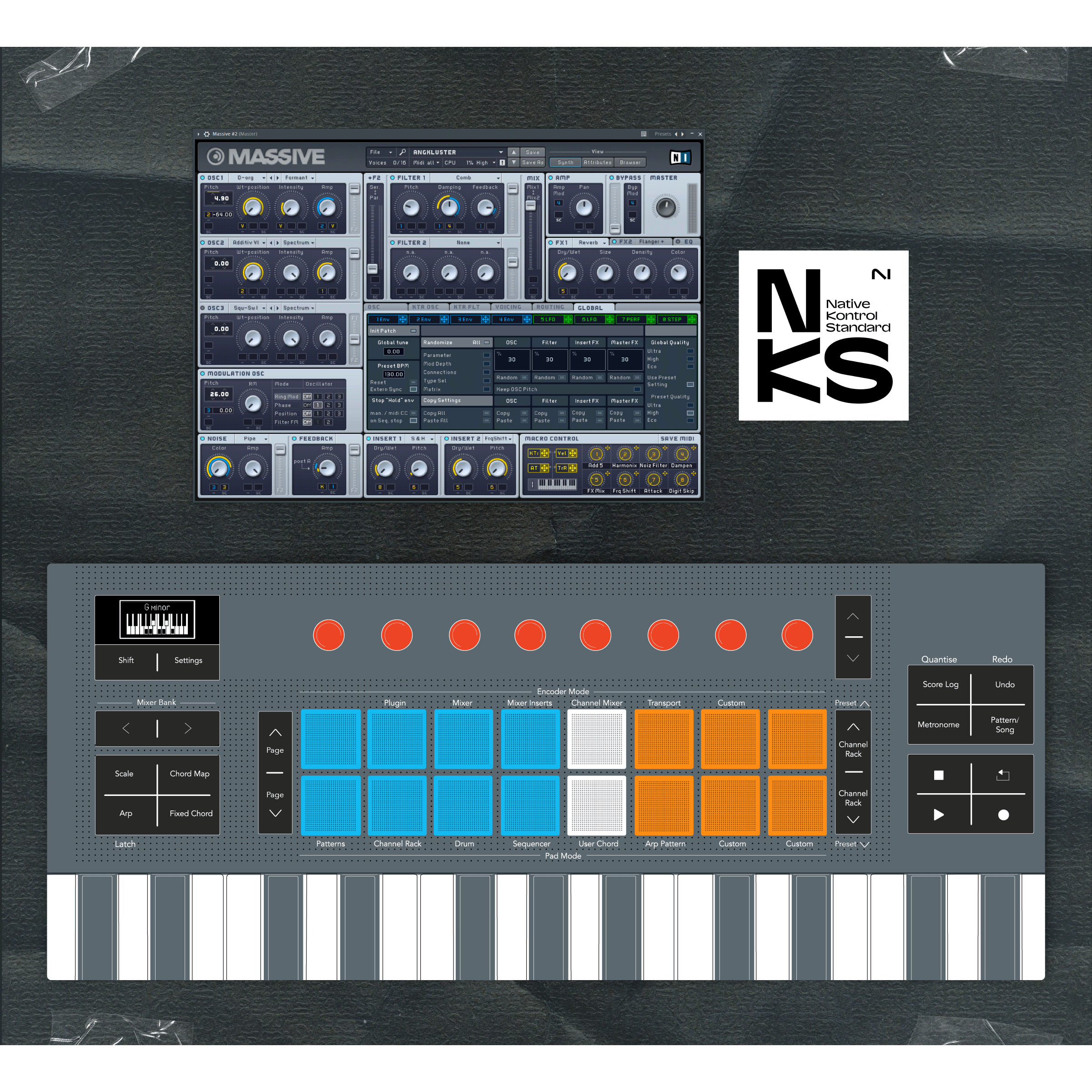
Need even more instruments and effects? Choose from three editions of Native Instruments Komplete Select — each one is packed with more than a dozen premium plugins like Massive X, Guitar Rig 7 LE, and iZotope Ozone Elements. And thanks to NKS, it all just works with FLkey.

Compare FLkey

FLkey Mini 25FLkey Mini 25 FLkey 37FLkey 37 FLkey 49FLkey 49 FLkey 61FLkey 61
Hardware
Keys 25 37 49 61
Key size Mini Full size Full size Full size
Keybed Synth action Synth action Semi-weighted Semi-weighted
Velocity-sensitive pads 16 16 16 16
Endless encoders 8 8 8 8
Faders and fader buttons
Pitch and Modulation 2 x Touch Strip Wheels Wheels Wheels
OLED display
Zones
MIDI out 3.5mm 5-pin 5-pin 5-pin
Sustain input
Bus powered
Built-in creative tools
Chord Modes Chord Map, Fixed, and User Chord Chord Map, Fixed, and User Chord Chord Map, Fixed, and User Chord Chord Map, Fixed, and User Chord
Scale Mode 30 Scales 30 Scales 30 Scales 30 Scales
Arpeggiator with step editor
Transport and workflow buttons Transport Transport and workflow Transport and workflow Transport and workflow
Custom Modes Pads and encoders Pads and encoders Pads, encoders, and faders Pads, encoders, and faders
Encoder Modes
Plugin
Mixer
Mixer Inserts
Channel Mixer
Transport
Pad Modes
Patterns
Channel Rack
Drum
Sequencer
Fader Modes
Plugin
Mixer Volume
Channel Volume
Weights and dimensions
Width 338.5 mm (13.33 in) 557 mm (21.93 in) 730 mm (28.74 in) 895 mm (35.24 in)
Depth 176.8 mm (6.96 in) 251 mm (9.88 in) 263.5 mm (10.37 in) 263.5 mm (10.37 in)
Height 49 mm (1.93 in) 79 mm (3.11 in) 93 mm (3.66 in) 93 mm (3.66 in)
Weight 0.78 kg (1.72 lbs) 2.18 kg (4.81 lbs) 4.08 kg (9.00 lbs) 4.78 kg (10.54 lbs)
Find out more Find out more Find out more Find out more

There’s still time to get FLkey MK1

Not sure you need absolutely everything the new FLkey has to offer? You can still pick up the original FLkey — but only while stocks last.

Frequently asked questions

Both FLkey Mk1 and FLkey 2 are MIDI keyboard controllers that integrate deeply with essential tools and functions in FL Studio. FLkey 2 features improved build quality across the range and more premium, semi-weighted waterfall-style keys on 49- and 61-key models. Keybeds on these models can be split or layered for playing two instruments at once.

In general, FLkey 2 is more tightly integrated with all your go-to FL Studio tools and workflows than the first generation keyboards. It offers instant access to looping and switching between Pattern and Song Modes via dedicated controls, and we’ve combined FLkey MK1’s Volume and Pan modes into streamlined Channel Mixer and Mixer modes for the knobs and faders, creating space for two new encoder modes: Transport Encoder Mode and Mixer Insert Mode.

The pads on all FLkey 2 models use Novation’s patented FSR (Force Sensitive Resistor) technology for better responsiveness and consistency, and also support polyphonic aftertouch when used with supported DAWs and plugins. FLkey 2 adds Mackie HUI support for working in Pro Tools and other compatible DAWs.

All FLkey 2 models feature a new OLED screen that displays key parameters, chord names, and more, along with an expanded set of built-in creative tools — including many more scale types and a powerful arpeggiator. Paired with eight endless encoders that always pick up where you left off, it offers our most seamless FL Studio workflow yet. There's also a new Pattern/Song workflow button that — like the other buttons on FLkey 2 — responds with a more satisfying, tactile click than the previous generation.

FLkey 2 connects to your computer using USB-C, while FLkey MK1 uses the older USB-B standard.

Find out more.

FLkey 2 and Launchkey MK4 are both current-generation MIDI keyboard controllers from Novation. They are based on the same hardware platform and share many of the same features, but there are some fundamental differences to be aware of.

If you’re working predominantly in FL Studio, we would strongly recommend you purchase FLkey 2. While Launchkey MK4 does work with FL Studio, FLkey 2 is the only dedicated keyboard controller for FL Studio. It features far tighter integration thanks for custom scripting, and its control panel is screen-printed to highlight specific FL Studio functions.

FLkey 2 also includes a six-month subscription to FL Studio Producer Edition.

If you regularly switch between FL Studio and another DAW, Launchkey MK4 may be a better choice.

Note: It is not possible to use the FLkey 2 script with a Launchkey MK4 controller due to key design and firmware differences.

Find out more.

Core features are now consistent across the entire FLkey 2 range. This was not the case for FLkey 1. All FLkey 2 keyboards use the same firmware, making the same intuitive FL Studio integration and powerful built-in creative tools available in the right size for any setup.

    There are still a small number of hardware and software differences you should be aware of:
  • Faders are available only on FLkey 49 and FLkey 61
  • FLkey Mini 25 features pitch and mod touch strips instead of physical wheels
  • Only the 49- and 61-key models of FLkey 2 featured the new semi-weighted keybeds. Keyboard layering and splits are also exclusive to these larger models.
  • Due to its smaller size, some dedicated workflow buttons are not present on FLkey Mini 25, including Undo/Redo. Metronome, Pattern/Song, Quantise, and Score Log.
  • FLkey Mini 25 features a TRS MIDI Output rather than full-size MIDI DIN. A suitable adapter can be purchased separately.
Find out more.

Yes. FLkey 2 is designed for, and integrates most tightly with, FL Studio, but it supports the Mackie HUI protocol, making it compatible with many other DAWS including Pro Tools. Logic Pro, Cubase, Reaper, and Studio One.

You can also use FLkey 2 as a basic MIDI controller with any MIDI software or hardware. Using Novation Components, you can create Custom Modes that fit your specific workflows.

Find out more.

No. The hardware itself is identical, but FLkey 2’s tight FL Studio integration relies on key firmware changes and a bespoke DAW script.

Find out more.

Deciding on the best MIDI controller is highly personal. You need to consider your intended use, desired features, available space, and budget among other factors.

If you work predominantly in FL Studio, we strongly recommend FLkey. It is the only MIDI keyboard controller designed for FL Studio and is officially supported by FL Studio makers Image-Line. It is also available in four different sizes at four different price points.

If you work in a different DAW, or split your time between FL Studio and another DAW, we recommend you consider Launchkey MK4.

Find out more.

FLkey 2’s pads send polyphonic aftertouch. The keys do not feature polyphonic or channel aftertouch.

Note that polyphonic aftertouch is not supported by any of FL Studio’s stock plugins. It is possible to send polyphonic aftertouch to supported third-party plugins hosted in FL Studio, but doing so requires additional setup, as per the FL Studio manual.

Find out more.

Explore FLkey articles

View all