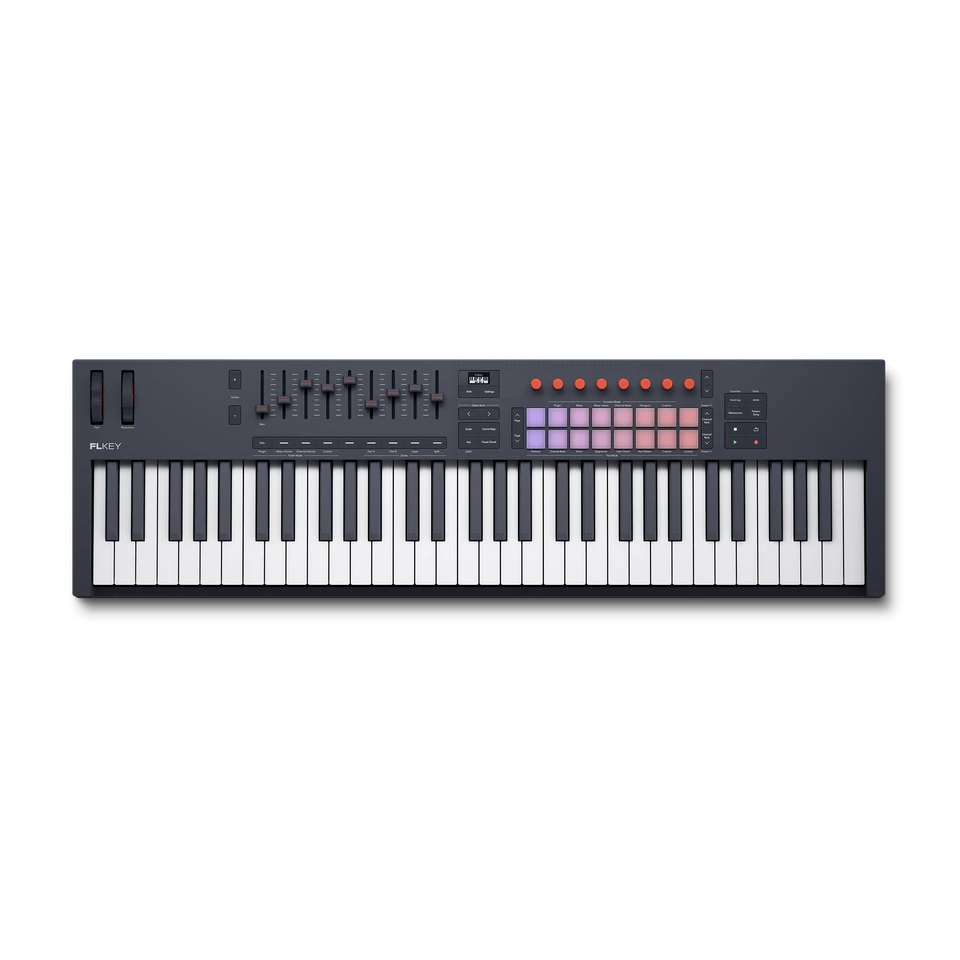
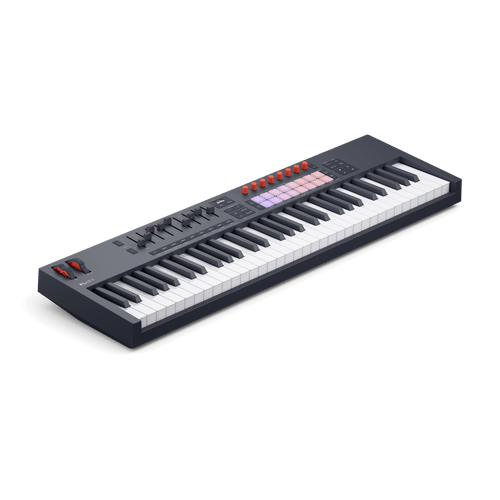
Introducing the new FLkey: the go-to controller for FL Studio
Even deeper integration with FL Studio, more powerful creative tools, a crisp OLED display, and more — here’s what’s new.
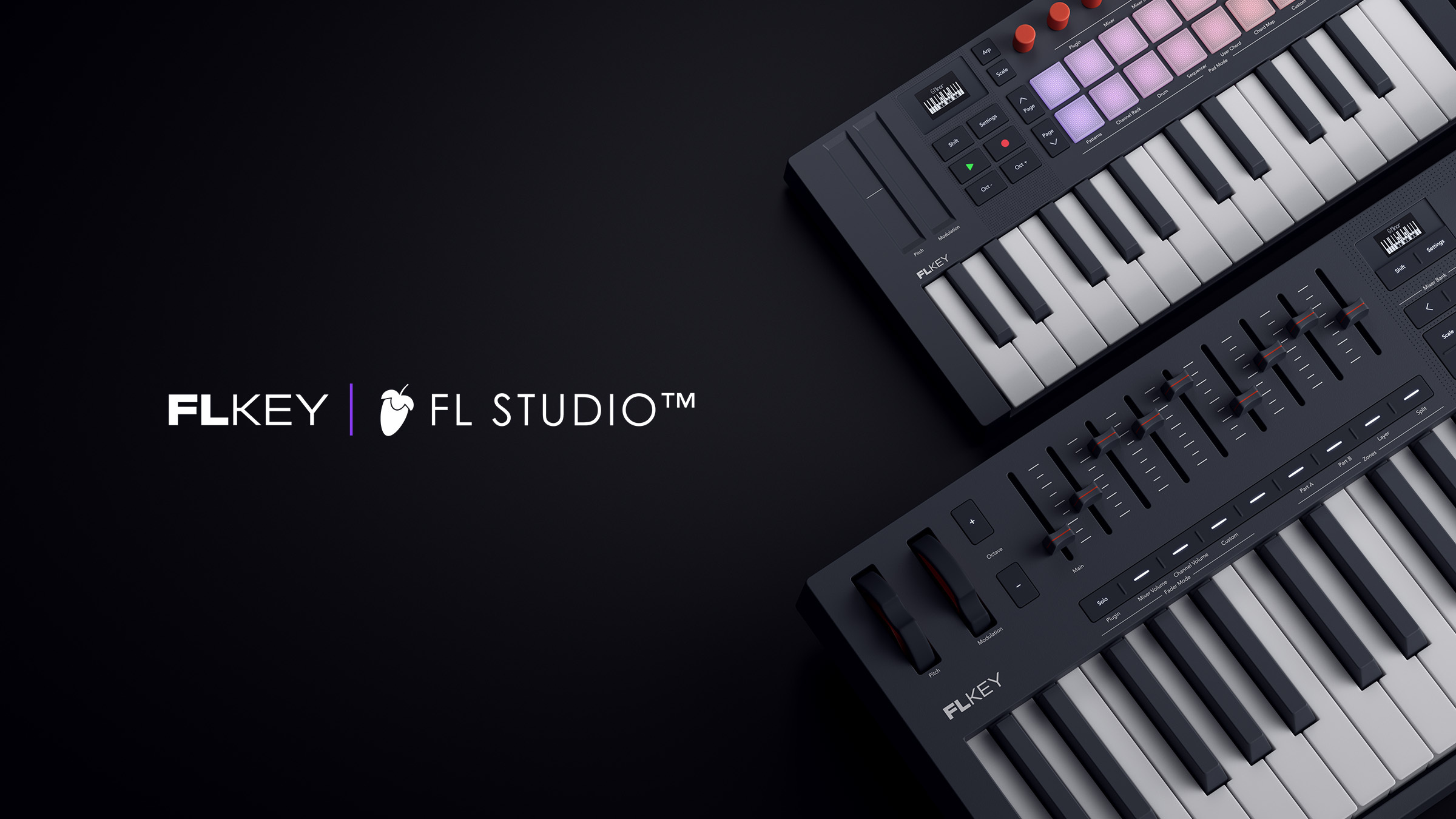
The next generation of FLkey is here. The original has become a firm favourite among the FL Studio faithful since it launched in 2022, and this new iteration has been upgraded and refined to offer an even more seamless connection to your essential beatmaking workflows.
The new hardware introduces an array of upgrades including better-feeling keys and pads, continuous encoders, and a crisp OLED display that shows essential information about your project. In addition, FLkey now features inspiring built-in creative tools in the form of Scale and Chord Modes and a powerful arpeggiator.
We’ve also deepened FLkey’s connection to many of the most important FL Studio tools, including the Channel Rack, Mixer, and plugins. We’ve also added useful new workflow shortcuts and upgraded the pads’ sequencing capabilities.
The new FLkey controllers each ship with an upgraded software collection that includes six months’ subscription to FL Studio’s most popular edition and a range of premium instruments and effects from the likes of Native Instruments, GForce, Orchestral Tools and Klevgrand. You also get bespoke finger-drumming and keyboard lessons from Melodics as well as Novation Play — a virtual instrument that’s packed with inspiring presets and designed to work seamlessly with FLkey’s controls.
Keep reading for an overview of some of the things you can do with the new FLkey.
Lay down beats
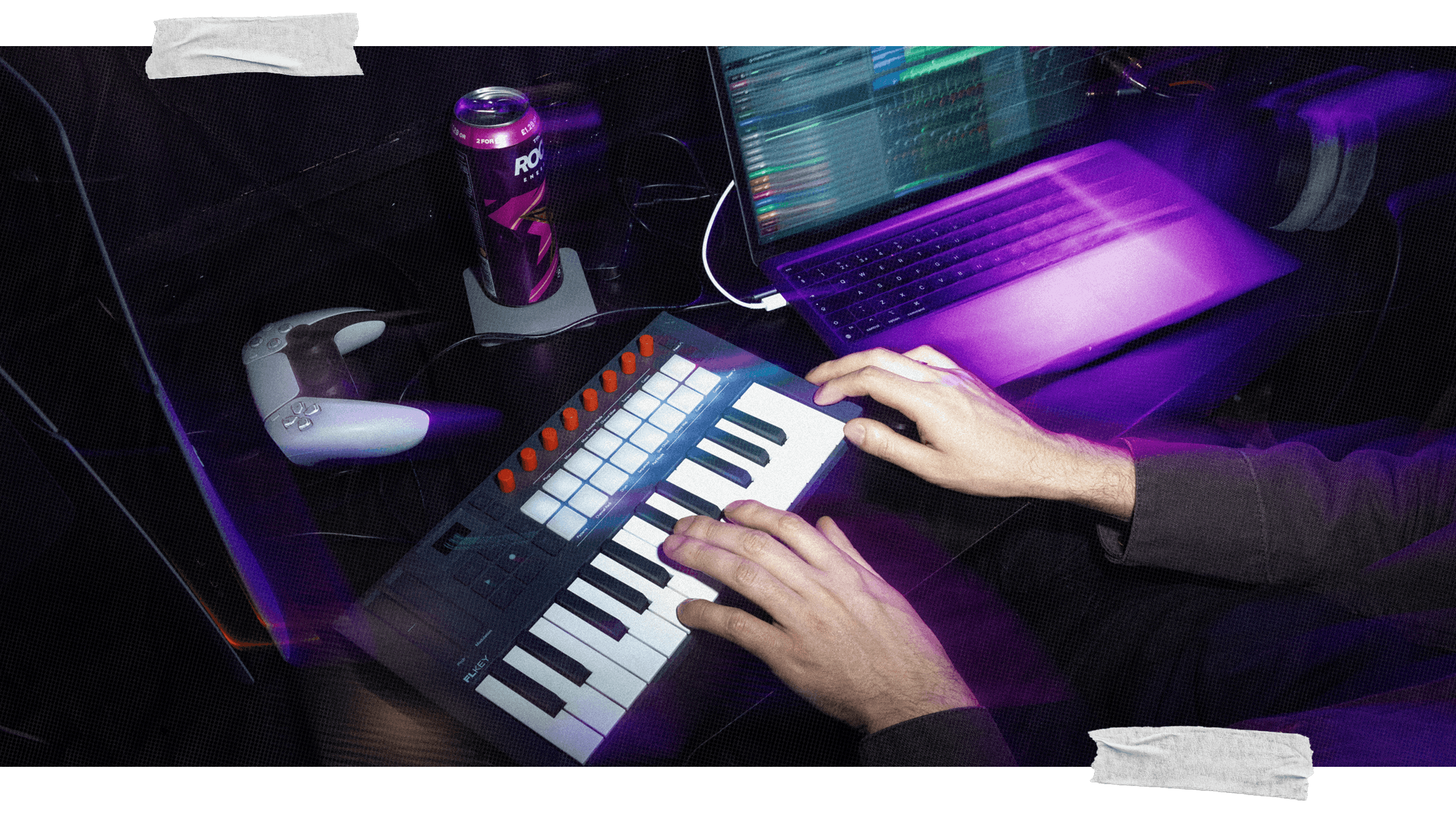
FLkey’s 16 RGB pads are perfect for triggering samples in the Channel Rack and finger drumming with FPC, Slicex, or Fruity Slicer.
Find inspiration fast
Easily lay down melodies, progressions, and patterns with built-in Scale and Chord modes, plus a powerful arpeggiator — no chord packs needed.
Sequence ideas
Select and trigger samples in the Channel Rack directly from FLkey’s pads. They're colour coded to make it clear which instrument you're controlling.
Build tracks with Patterns
Create and duplicate Patterns with a dedicated layout on FLkey’s colour-coded pads.
Mix and finish tracks
Fine-tune levels, sweep filters, dial in effects, and more. Everything is mapped to the eight knobs and, on FLkey 49 and 61, nine faders.
Go beyond FL Studio
Connect synths and other MIDI hardware via the MIDI Out port, craft custom layouts with Components, or control other DAWs with Mackie HUI support. You also get full NKS support for a two-way connection between FLkey and plugins from Native Instruments and hundreds of other brands.

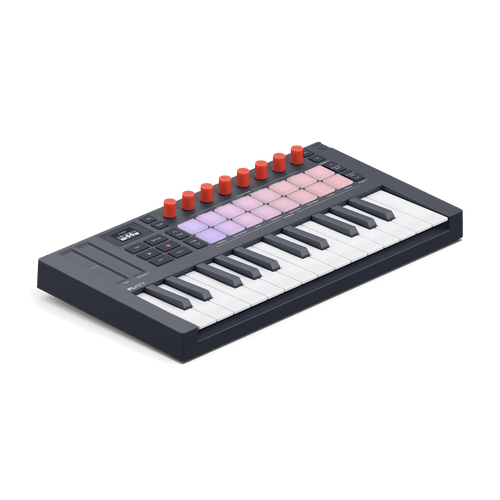
FLkey Mini 25

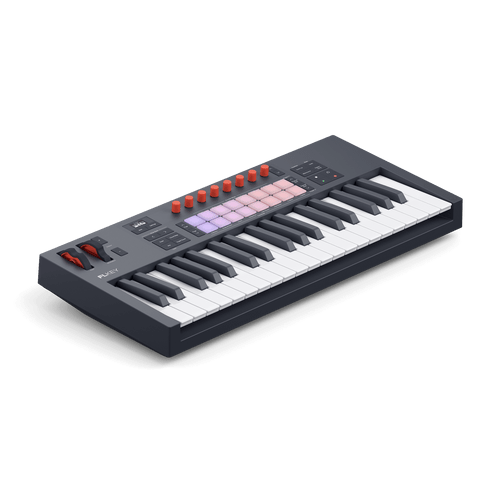
FLkey 37

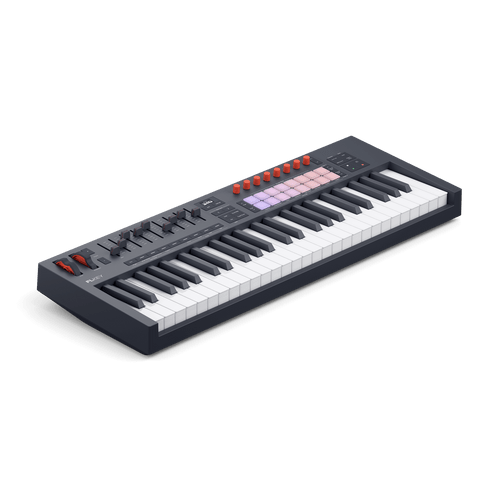
FLkey 49